How AI Helps Measure Training Impact
The program launched three months ago. Since then you've collected 900 survey comments, quiz scores from the LMS, a spreadsheet of sales figures and a few emails from managers saying things seem better. Now your director wants to know whether it worked, and the report is due Thursday. Most training teams want to measure impact properly. What they lack is time. That's where AI training evaluation earns its place. How can AI help you measure training impact without turning evaluation into a second full-time job?
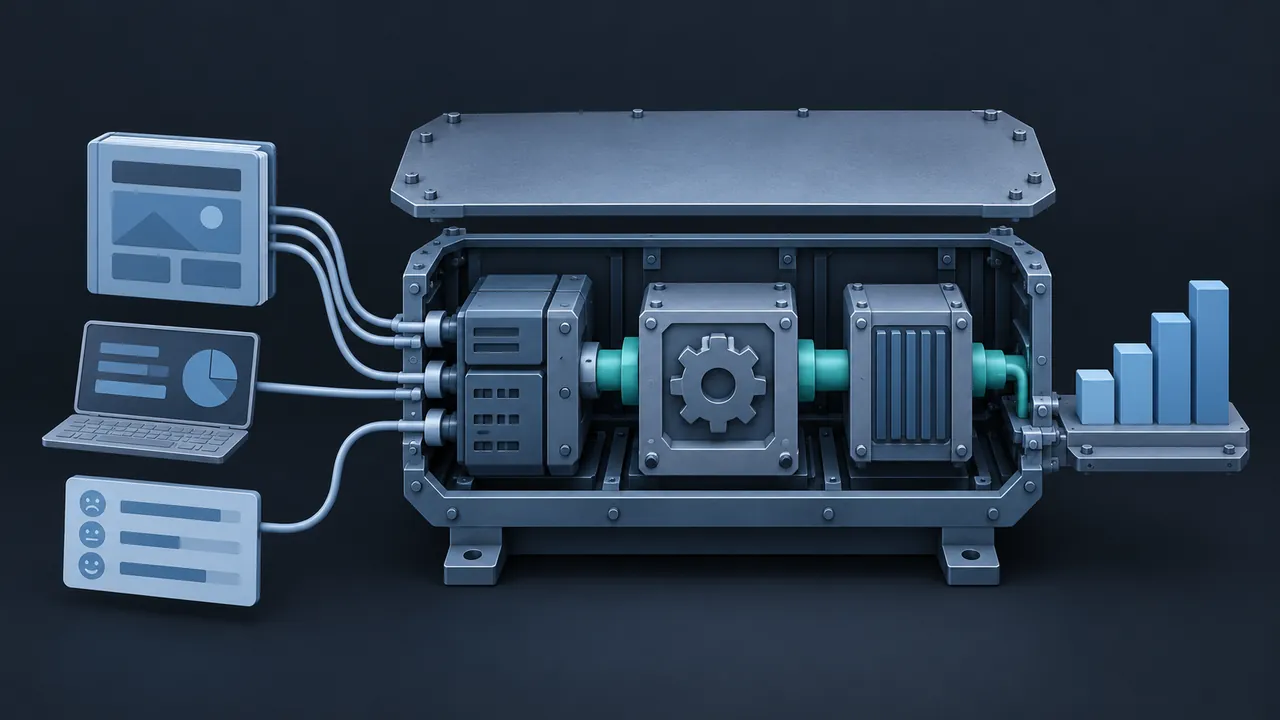
AI helps measure training impact by handling the slow parts of evaluation: summarizing open-ended feedback, combining data from different systems, spotting patterns in learning and performance data, and drafting clear reports. It can read hundreds of survey comments in minutes and group them by theme, flag the quiz questions most people miss, and compare trained and untrained groups on the business measures you choose. What it can't do is decide what success means, pick a fair comparison or judge whether training truly caused a change. Those calls stay with you and your stakeholders. Used this way, AI turns evaluation from a rushed afterthought into something you can do well on every important program.
Why Is Measuring Training Impact So Hard?
It's hard because the evidence lives in many places and the work of connecting it is slow. Reactions are in a survey tool. Scores are in the LMS. Behavior shows up in manager observations, if anyone records them. Business results sit in sales, quality or safety systems owned by other teams. Pulling it together by hand can take days, and by then everyone has moved on to the next project.
There's also the volume problem. Open-ended comments are often the most useful feedback you get, and the least read. Few people have time to read 900 of them carefully, so they get skimmed and their best insights are lost.
Where Does AI Training Evaluation Help at Each Level?
Most teams organize evaluation around the four levels of the Kirkpatrick Model: reaction, learning, behavior and results. AI helps at every level, in different ways.
Level 1: Reaction
Ask an approved assistant to group open-ended comments by theme, note how often each theme appears and pull out representative quotes. Ask it to separate comments about content from comments about logistics, like timing or audio. You'll get a clear picture in minutes, and you can still read the comments behind any theme that surprises you.
Level 2: Learning
AI can analyze assessment results to show which questions most learners miss, which wrong answers they choose and whether certain groups struggle more than others. That points you to weak spots in the content or confusing questions. If your assessments include written answers, tools that provide AI assessment feedback can also give you richer data about how learners are thinking, not just whether they picked the right option.
Level 3: Behavior
Behavior is often the weakest link because it needs input from managers. AI can draft short observation checklists and follow-up surveys tied to the course objectives, then summarize the responses. Some teams also analyze activity data from learning record stores (LRS) and work systems, where it's appropriate and approved, to see whether new practices show up in daily work.
Level 4: Results
Here AI helps with the data work: matching training records to business measures, comparing trained and untrained groups, and charting trends before and after the program. It can also write a first draft of the report in plain language for leaders. You decide which comparisons are fair and what the numbers mean.
How Much Time Can AI Save on Evaluation?
The biggest savings come from reading, sorting and reporting. The chart below shows an illustrative example of hours for one program evaluation, done by hand and with AI assistance. The conversations with managers don't shrink, and they shouldn't.
By hand vs with AI assistance
- By hand
- With AI assistance
Illustrative example: assumed hours for a single mid-sized program evaluation; your times will differ.
View the data
| By hand | With AI assistance | |
|---|---|---|
| Reading and coding comments | 16 hrs | 4 hrs |
| Combining LMS and business data | 12 hrs | 6 hrs |
| Building the report | 8 hrs | 3 hrs |
| Interviewing managers | 6 hrs | 6 hrs |
Time saved on sorting can go back into the parts of evaluation that matter most: talking to managers, checking surprising results and planning improvements.
Which AI Tools Do Teams Use for Evaluation?
Most teams start with tools they already have. General assistants such as ChatGPT, Claude, Microsoft Copilot or Gemini can summarize comments and draft reports, and several can analyze uploaded spreadsheets when your organization allows it. Many survey platforms, LMSs and analytics tools now include built-in AI features for summarizing responses or answering questions about your data in plain language.
You don't need a special evaluation product to begin. What you need is clean data, approved tools and a clear question. "Which three themes appear most in negative comments, with two examples each?" gets a much better answer than "analyze this survey."
What Can't AI Decide in Training Evaluation?
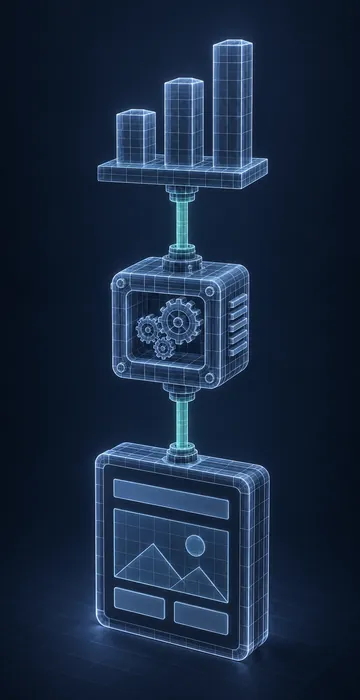
AI can't decide what success means, and it can't prove cause and effect on its own. A tool might find that people who completed the course had higher sales the next quarter. That's a correlation. Maybe the course helped. Maybe the people who completed it were already the most motivated reps. Only careful design, like comparison groups, baseline data and input from people who know the work, can tell those stories apart.
So keep these decisions with people:
- Which business measures matter, agreed with stakeholders before launch.
- What a fair comparison group looks like.
- How much of a change is reasonable to attribute to training.
- What the results mean and what to change next.
When the AI summary says "the program improved X," ask "compared with what?" If there's no good answer, the finding isn't ready for the report.
Data, Privacy and Fairness
Evaluation often touches personal data, so use only tools your organization approves for it. Remove names and identifiers where you can, especially from survey comments. Report results for groups rather than individuals unless there's a clear, agreed reason. And be careful about using learning data to judge people. Most training teams do their best work when learners trust that evaluation is about improving the program, not grading them.
The field of learning analytics has thought hard about these questions. The Society for Learning Analytics Research offers a helpful overview of what learning analytics is and what it's for.
How Should You Present Results to Leaders?
Lead with the business question, then the answer, then the evidence. Leaders rarely want to see every chart. They want to know whether the program helped, how confident you are and what you recommend. AI can draft a one-page summary in that order, and you can tighten it from there.
Be honest about limits. If the comparison group wasn't perfect or the sample was small, say so in a sentence. Clear caveats make the rest of your findings more believable, not less. And always end with a recommendation: keep, change, expand or stop.
A Simple AI Training Evaluation Workflow to Try
- Before launch, agree on two or three business measures and collect a baseline.
- After launch, export survey comments (with identifiers removed) and ask an approved assistant for themes and examples.
- Pull assessment results and ask for the most-missed questions and common wrong answers.
- Send managers a short behavior survey tied to the objectives, and summarize the responses.
- Compare the business measures with your baseline and, if possible, a similar untrained group.
- Draft the report with AI, then edit it carefully, adding your judgment about what the results mean.
From a Pile of Data to a Clear Answer with AI Training Evaluation
AI training evaluation takes the heavy lifting out of measuring impact. It reads the comments, connects the data and drafts the report, so you can spend your time on the questions that need human judgment: what success means, what caused the change and what to do next.
Try it on one program that's already running. Gather the data you have, run the workflow above and share the results with your stakeholders. Once they see a clear, honest answer while the program is still fresh in everyone's mind, they'll start asking for one on every program.