Simulation Development: Software, 3D and VR
People learn a task best by doing it. Simulations let learners practice a software process, operate equipment or work through a risky scenario without real-world consequences. I build simulations across the full range, from step-by-step software training to immersive 3D and VR environments.
Software Simulations
Software training is one of the most common simulation needs. I build watch, try and test versions of a task, so learners first see it done, then practice with hints, then prove they can do it alone. These work well for system rollouts, upgrades and onboarding, and they report results to your LMS.
Good software simulations match the real system closely enough that learners feel at home on day one. I capture the actual screens, recreate the key steps and add feedback that explains what went wrong when someone clicks the wrong field. That kind of practice builds confidence before people touch live data.
3D and VR Training Environments
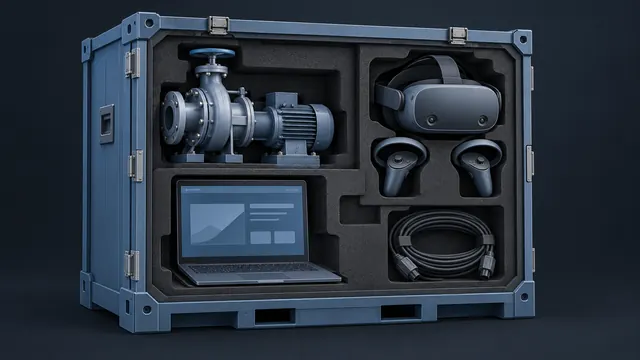
Some skills need more than a screen recording. For equipment operation, facility walkthroughs, maintenance procedures and safety training, a 3D environment lets learners look around, handle parts and follow a process in the right order. My background includes training for energy companies, aviation agencies and military branches, where hands-on practice matters. Where it fits, the same environment can run in a VR headset for a fully immersive experience.
3D work also helps when the real equipment is expensive, dangerous or far away. Learners can take a machine apart, see inside a system or rehearse an emergency procedure as many times as they need, without tying up real equipment or putting anyone at risk.
Choosing the Right Level of Realism
More realism is not always better. A full 3D world costs more to build and maintain than a branching scenario. I help you match the simulation to the skill:
- Branching scenarios for decisions and soft skills
- Software simulations for system tasks
- Interactive 2D or 3D models for equipment and parts
- Full 3D or VR for spatial, hands-on or high-risk tasks
We decide this together early in the project. Picking the right level up front keeps the budget in check and gets learners practicing sooner. It also makes future updates easier, since simpler simulations are faster to change when a procedure or system changes.
How AI Speeds Up Simulation Work
AI tools shorten several steps in simulation projects. They help draft scenario branches and feedback text, generate textures and concept art, create placeholder 3D assets for early reviews, and produce voice lines for characters. I review and refine all of it, and your experts confirm that every procedure and decision path is accurate.
AI also helps with testing, by walking through scenario paths to find dead ends or missing feedback before your reviewers do.
Common Questions
Do learners need a VR headset?
Not necessarily. Most 3D simulations can run in a web browser on a regular computer. VR is an option when the extra immersion is worth it, and I can build a desktop version alongside it.
Can a 3D simulation track in our LMS?
Yes. Browser-based simulations can report completion and scores through SCORM, and xAPI can capture detailed actions, such as each step a learner took and where mistakes happened.
What do you need to build an equipment simulation?
Photos, drawings, manuals and access to a subject matter expert are the usual starting points. CAD files help a lot if you have them. We plan the key tasks first, then build only what learners need to see.
Related reading


Have an eLearning Project in Mind?
Tell me about your course, conversion or team challenge. I will reply within one business day with next steps and a free estimate.