How to Convert Old Authorware Courses to Modern eLearning
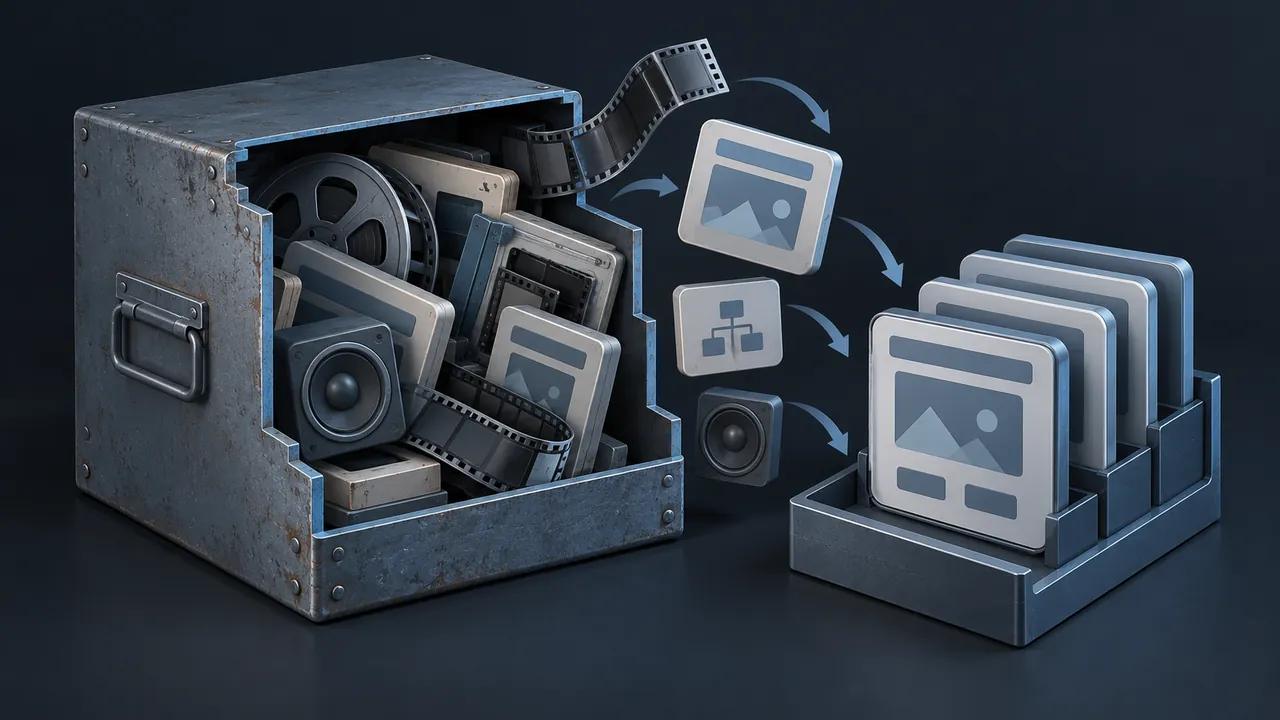
Somewhere in your training library there may be a course that still works only on one old PC, or one that nobody has been able to open in years. If it was built in Authorware, you are not alone. Authorware was a favorite of training developers for a long time, especially for technical and procedural courses, and a lot of good content was locked inside it. How do you handle an Authorware conversion so the knowledge survives and the old file finally retires?
Authorware conversion means recovering the content and logic from courses built in Macromedia (later Adobe) Authorware and rebuilding them in a modern authoring tool that publishes HTML5 for current browsers and LMS platforms. There is no button that converts an Authorware file directly into a modern course. The usual approach is to run or open the original, document its screens and branching logic, extract the media, confirm the content is still accurate and rebuild it, then publish it as a SCORM package and test the tracking. Courses with heavy simulations require the most effort, while courses that consist mostly of screens and questions move faster.
Why Are Authorware Courses So Hard to Keep Running?
They're hard to keep running because the tool has been retired for a long time. Adobe stopped developing Authorware in 2007, and the history of Adobe Authorware shows how it went from a leading training tool to an orphan. Published Authorware courses relied on a runtime player or a browser plug-in that modern systems don't support.
Some teams kept these courses alive on a dedicated training PC or an old virtual machine, which works until the hardware fails, the security team flags the machine or the last person who knows the password retires. At that point the course is stranded, and so are the learner records tied to it.
What Is Inside an Authorware File?
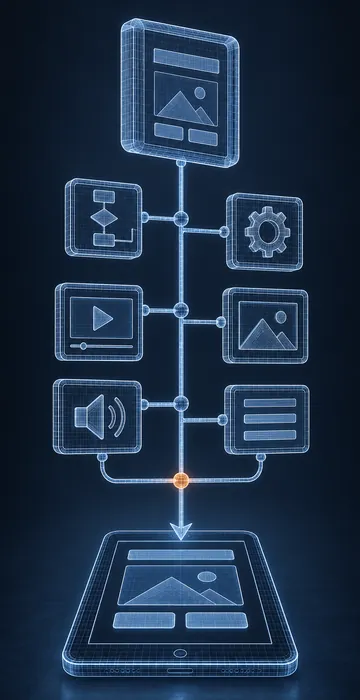
Authorware didn't work like a slide tool. Developers built a course by dragging icons onto a vertical line called the flowline, and each icon performed an action: displaying a screen, playing a sound, waiting for a click, asking a question, running a calculation, making a decision or jumping to another part of the course. Groups of icons could be bundled into maps, and maps could hold more maps.
That structure matters for conversion, because the visible screens are only part of the course. The logic, the variables that tracked scores, the rules for which branch to show and the loops that sent learners back for remediation, lives in the icons. If you rebuild only what you can see on screen, you can miss half of how the course actually behaved.
Many Authorware courses also relied on external media files and add-on modules called Xtras. Watch for folders of graphics, audio and video stored next to the course files, since they are often easier to reuse than anything embedded inside.
Six Steps for a Clean Authorware Conversion
1. Find Every Version of the Files
Look for the editable source files as well as the packaged course. Source files let a developer with a working copy of Authorware open the flowline and read the logic, whereas packaged files can only be run. Check old project shares, vendor deliverables and backup tapes before assuming the source is gone.
2. Get a Working Copy Running Safely
Ask IT for an isolated machine or virtual machine where the old course can run without touching the production network. You need to see it working to rebuild it faithfully.
3. Document the Course as It Really Behaves
Walk through every screen and every branch, recording your screen as you go. Write down what happens on a wrong answer, a second wrong answer and a timeout, and if you have the source, open the flowline and note the variables and decision rules. This document becomes the blueprint for the rebuild.
4. Pull Out the Media
Collect every graphic, audio clip and video you can, recognizing that only some will be usable as they are. Older graphics may be too small for modern screens and need redrawing, and old narration may need re-recording if the script changes.
5. Confirm the Content Is Still Right
Sit down with a subject matter expert (SME) and the blueprint, because equipment, procedures and regulations may have changed since the course was built. Correct any inaccuracies before development, not after.
6. Rebuild, Publish and Test
Rebuild in a current authoring tool, publish for your LMS and test every branch and the tracking, then pilot the course with a few learners who do the job today.
How Do You Rebuild Authorware Simulations?
You rebuild them with states, triggers and variables. Modern tools such as Articulate Storyline and Adobe Captivate let you build interactive screens where clicking a control changes what the learner sees, and where variables keep track of what they have done. That is close to how Authorware handled simulations, just with a different interface.
Not every simulation needs to return exactly as it was, since some old simulations taught a sequence of clicks on a control panel that no longer exists. Ask what the learner needs to practice today. A simpler interaction that matches the current equipment is better than a perfect copy of an obsolete one.
Where a simulation still fits the job, rebuild it carefully. Effective equipment simulations are often the most valuable part of an old course, because they let people practice without risk, and crews remember them.
What Surprises Show Up Mid-Project?
A few problems come up often enough that you should plan for them from the start.
- Hidden branches. Some paths only appear after two wrong answers or a specific score. If you didn't record them during documentation, you'll find out when an SME asks where they went.
- Hard-coded content. Text sometimes lives inside graphics rather than as editable text. Every word in an image has to be retyped, and translated courses multiply that work.
- Fixed screen sizes. Authorware courses were usually built for small, fixed windows. Layouts need rethinking for wide monitors and tablets, not just stretching.
- Missing fonts and media. Linked files may point to drive letters that no longer exist.
- Embedded calculations. Scoring rules, timers and weighting can be buried in calculation icons. Get the rules in writing before you rebuild the quiz.
None of these are reasons to give up; they are reasons to spend a little more time on documentation, which is the least expensive place to catch them. Fixing a missed branch after the rebuild costs far more than writing it down at the start.
One more thing worth checking early is who will take the new course and where. Many Authorware courses were built for people sitting at a desk in a training room, but today the same audience might be technicians on a tablet in a plant or a substation. If that is your situation, design the rebuild for a smaller screen and spotty connections from day one.
What Happens to the Old Training Records?
Plan for this before launch, because auditors will ask. If the old course stored scores on a single machine or in a separate database, export what you can and store it where your records team can find it. Many organizations attach old completion records to the learner's history in the LMS, or keep a read-only archive that records staff can search.
Decide how the new course relates to the old one, keeping in mind that the new course usually receives a new ID in the LMS. People who completed the old version keep their record and take the new version when their retraining date comes around.
Should You Convert Every Authorware Course?
No. Authorware libraries often include courses for systems that were replaced years ago, versions of a procedure that changed twice since and modules nobody has assigned in a long time. Converting those courses spends money on content no one needs.
Before committing to a full program, run an eLearning content audit to sort the library into courses to keep, fix or retire. The audit takes some time up front, and it almost always shrinks the conversion list.
- Convert courses that are required, accurate or easy to correct, and still assigned.
- Rewrite courses whose subject is still needed but whose content has drifted badly.
- Retire courses tied to old systems or jobs, and keep a record of what they covered.
Read the Flowline Before You Rebuild
A successful Authorware conversion starts with understanding how the old course really worked, not just how it looked. Get it running safely, document every branch, recover the media, check the content with an SME and rebuild it in a modern tool, then test the tracking and protect the old records.
If you have a stack of Authorware files and no plan yet, pick the one course that people still depend on most and map it first. That single blueprint will tell you how hard the rest of the library is going to be, and it will give you a realistic estimate to take to whoever holds the budget. Few developers still read Authorware flowlines comfortably, so if you'd like help mapping that first course, I'm glad to take a look.