How the Military Uses eLearning and Simulation – CBT to 3D Trainers
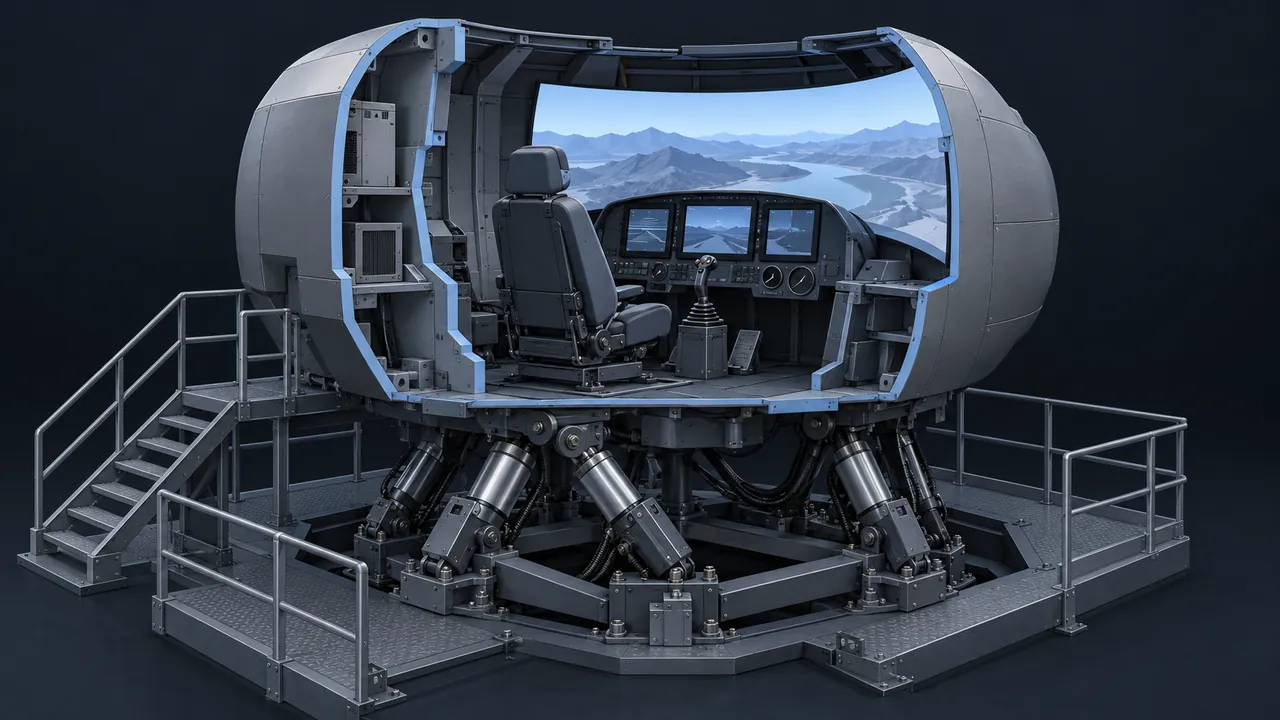
If you build or buy training for a military customer, you inherit decades of hard lessons about what transfers from a screen to the flight line. Pilots trained in mechanical flight simulators generations ago. Later came computer-based training on desktops, then web courses tracked by learning management systems, and now detailed 3D trainers that let a maintainer take apart an engine that isn't there. So how does the military use eLearning and simulation today, and what can other training teams learn from it?
Military eLearning covers a wide range, from self-paced online courses and computer-based training to desktop simulations, 3D virtual maintenance trainers and networked simulators where units train together. Online courses handle knowledge that many people need, such as policies, procedures and job fundamentals. Simulations handle skills that are dangerous, expensive or impossible to practice for real. The services track much of this through learning management systems built on standards that the Department of Defense helped create, such as SCORM. The common thread is matching the level of realism to the skill.
How Did Military eLearning Get Here?
Step by step, with each technology adding to the last instead of replacing it. Flight simulators came first. The Link Trainer, a mechanical device first built around 1929, taught instrument flying to large numbers of pilots through World War II, long before digital computers existed, and simulation has stayed central to aviation training ever since. Wikipedia's overview of flight simulators traces that history.
Computer-based training (CBT) followed as computers spread, first on dedicated systems and then on desktop PCs and discs. In the late 1990s, the Department of Defense launched the Advanced Distributed Learning (ADL) Initiative to make online training reusable across systems. ADL's work produced SCORM, which became the common way to package courses for LMSs inside and outside government.
Today the pieces sit side by side. A service member might complete an online course in the morning, use a desktop trainer in the afternoon and train in a full simulator later in the week.
What Does Military eLearning Include Today?
| Type | Typical example | Best used for |
|---|---|---|
| Self-paced online courses | Annual requirements, policy, job fundamentals | Knowledge large numbers of people need |
| Interactive multimedia instruction | Procedures with practice and feedback | Step-by-step tasks and decisions |
| Desktop and 3D trainers | Virtual maintenance on vehicles, aircraft or weapons systems | Learning equipment without tying up real hardware |
| Part-task trainers | A mock-up of one panel or station | Practicing one part of a complex job |
| Full simulators | Flight and vehicle simulators | High-risk skills and crew coordination |
| Networked simulation | Units training together in shared virtual environments | Team and collective training |
What Are IMI Levels?
Interactive multimedia instruction (IMI) is the defense world's term for interactive digital courseware, and it's commonly described in four levels of interactivity. Level 1 is mostly passive: the learner reads, watches and clicks forward. Level 2 adds limited participation, such as simple questions and interactions. Level 3 involves complex participation, with branching, scenarios and simulated procedures. Level 4 is real-time participation, close to a full simulation.
The levels matter because they drive cost and schedule. Contracts often specify the IMI level for each lesson, and higher levels take much more development time. Picking the right level for each objective is one of the most important design decisions on a military training project. Not every task needs Level 3 or 4.
Live, Virtual and Constructive: What's the Difference?
These three terms describe how people and simulations mix in training, and you'll hear them constantly in military simulation.
- Live: real people operating real equipment, such as a field exercise.
- Virtual: real people operating simulated equipment, such as a crew in a vehicle simulator.
- Constructive: simulated people operating simulated systems, often used for planning and command training.
Combining them lets units train at scales that would be impossible with live exercises alone. For more background, Wikipedia's article on military simulation covers the range from tabletop wargames to computer-based models.
Why Do 3D Trainers Matter So Much for Maintenance?
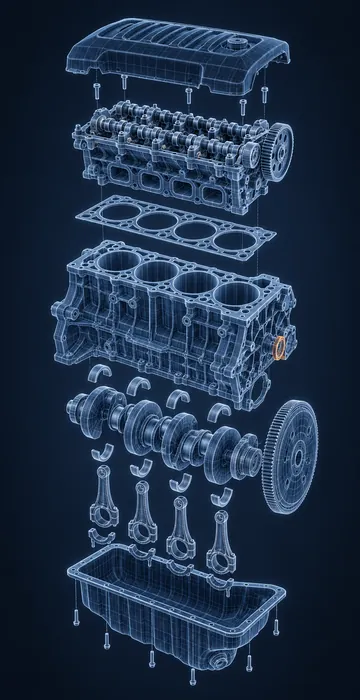
Because real equipment is scarce, expensive and busy. A maintainer learning a complex system can't always get time on an actual aircraft or vehicle, and mistakes on real hardware cost money and readiness. A 3D virtual trainer lets them open panels, trace systems, follow a procedure and make mistakes with no damage done.
These trainers are often built with real-time 3D engines like those used in games, and they can run on ordinary computers in a classroom or learning center. The best ones match the actual configuration of the equipment, which means they need updating when the equipment changes. Sustainment is part of the cost.
Many teams pair 3D trainers with hands-on time on the real equipment. The virtual trainer builds familiarity and confidence, so the limited hands-on time goes further.
How Is Military eLearning Tracked?
Mostly through learning management systems, and the services and joint organizations each run their own. Online courses are typically packaged with SCORM so they report completion and scores the same way across systems. That's no accident, since the standard came out of DoD's own ADL Initiative.
Simulations are harder to track with SCORM, which was designed for courses launched from an LMS. That's one reason ADL went on to develop the Experience API (xAPI), which can record learning activities that happen outside a browser course, such as performance in a simulator or a mobile app. Tracking matters because service members move between units and assignments, and their training records need to move with them.
When Is a Simple Course Better Than a Simulator?
More often than people expect. High-end simulation is impressive, but it's expensive to build and maintain, and it ties learners to specific hardware or locations. For knowledge tasks, such as understanding a regulation, recognizing a hazard or learning the order of a procedure, a short interactive course does the job faster and cheaper.
Simulation earns its cost when the skill is physical, risky, time-sensitive or involves a team working together under pressure. A pilot handling an engine failure, a crew coordinating a response or a maintainer working through a complex fault are good fits. A policy update is not.
The smartest military training programs treat these as a ladder. Learners build knowledge online, practice procedures in interactive courseware or a desktop trainer and save the simulator for the skills that truly need it.
What Makes Military Training Hard to Build?
Several factors set it apart from typical corporate projects:
- Disconnected environments. Ships, field sites and secure facilities may have limited or no internet, so courses often need to run offline or on local networks.
- Security. Content may be controlled or classified, which limits where it can be built, hosted and reviewed.
- Configuration control. Training must match specific equipment versions, and those change over time.
- Scale and turnover. People rotate between assignments often, so the same training must work for a constant stream of new learners.
- Accessibility and standards. Federal accessibility rules and DoD learning standards apply, alongside service-specific requirements.
What Can Civilian Training Teams Borrow?
Plenty. Matching realism to the task is the biggest lesson: don't build a simulation where a checklist will do, and don't settle for slides where people need practice. Prep online before hands-on time so scarce equipment and instructors are used well. Plan for offline use when your learners work in remote places. And treat sustainment as part of the budget, because training that drifts out of sync with the equipment loses trust fast.
Military medical training is a good example of these ideas crossing over. Medics and corpsmen learn through online modules, simulation and supervised practice, much like civilian clinicians. If your audience is clinical, our guide to healthcare eLearning looks at building short, accurate and trackable training for care teams.
Use the Simplest Trainer That Teaches the Skill
Military eLearning is a layered system: online courses for knowledge, interactive courseware for procedures, 3D trainers for equipment and full simulators for the highest-risk skills, all tracked through standards the DoD helped create. The guiding rule is to use the least complex tool that teaches the skill well, and to save high-end simulation for where it really pays off.
If you're planning a training program of your own, try sorting each objective the way a military designer would: what level of interactivity does this task actually need? That single question will save money on some lessons and point you toward better practice on others. My 400+ courses include work for military branches, so if you're scoping a program and want help sorting objectives by the interactivity they really need, I'm glad to help.