How AI Speeds Up Legacy Course Conversion
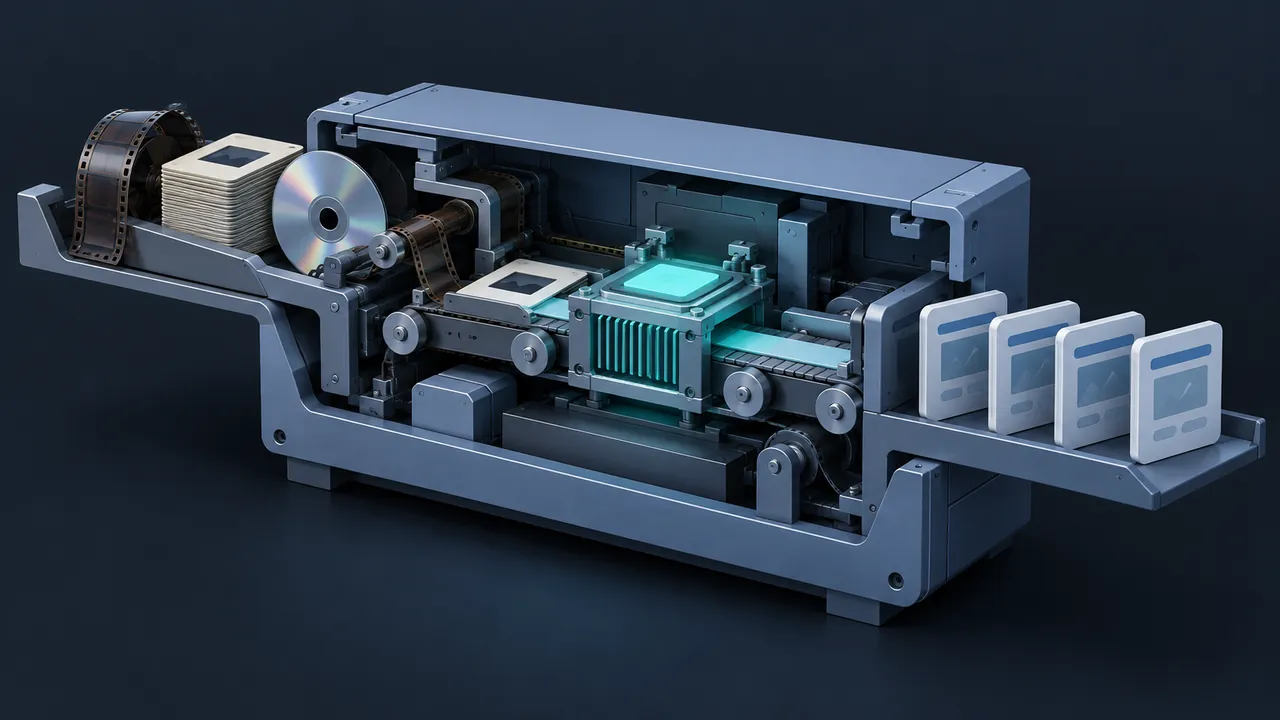
Legacy course conversion has always been slow, careful work. Someone has to click through every old screen, copy the text, transcribe the narration, rewrite the dated parts, rebuild the quiz and record new audio, all before the real rebuild even starts. For a library of old courses, that groundwork can eat most of the budget. How much of that work can AI course conversion take off your plate, and where do people still need to step in?
AI course conversion speeds up the groundwork of modernizing old courses: pulling text from screenshots and old files, transcribing narration, rewriting dated scripts in plain language, refreshing quiz questions, drafting alt text and captions, and producing new voiceover. Those tasks used to take days of manual effort per course and now often take hours. What AI doesn't replace is the judgment: an SME still confirms accuracy, an instructional designer still decides what to keep and how it should flow, a developer still builds and tests the course in the authoring tool and LMS. AI is a strong assistant on the slowest steps.
Where Does AI Course Conversion Save the Most Time?
In the steps between "we have an old course" and "we have a clean script to build from." Those steps are repetitive, text-heavy and easy to describe, which is exactly where current AI assistants do their best work.
Pulling Content Out of Old Courses
Many old courses only exist as published output. Screenshots of each screen can go into assistants that read images, such as ChatGPT, Claude or Gemini, which can extract the on-screen text and describe the layout. That turns an afternoon of retyping into a quick review of extracted text.
Transcribing Old Narration
Speech-to-text tools turn old audio into editable scripts in minutes. Even when the original script file is lost, you can recover the words that learners heard and start editing from there.
Rewriting Dated Content
Give an assistant the old script, your style guide and your audience, and ask for a plain-language rewrite with shorter sentences and current terminology. It also does well at splitting a long course into shorter modules and drafting learning objectives from existing content.
Refreshing Assessments
Old quizzes are often full of recall questions. AI can draft scenario-based alternatives, write feedback for each answer choice and flag questions that test trivia rather than the job.
Voiceover, Captions and Alt Text
When narration must be re-recorded, AI voice tools can produce clear voiceover from your updated script. ElevenLabs, for example, documents a range of voices, models and languages on its text-to-speech capability page. AI can also draft captions from audio and alt text for images, which is a big help for accessibility on a library that never had either.
Translation and Localization
If your old courses exist in one language and your workforce speaks several, AI translation gives you a fast first draft of every script, caption file and quiz. A fluent reviewer, ideally someone who knows the work, then checks terminology and tone. That review matters most for safety terms, where a near-miss in wording can change the meaning.
Fixing Old Code and Packaging
Some legacy courses were hand-coded HTML or JavaScript with a homemade SCORM wrapper. Coding assistants such as GitHub Copilot, or a general assistant like ChatGPT or Claude, can explain what old scripts do, suggest fixes for deprecated code and help a developer write a cleaner wrapper. A developer still tests the result in the LMS, but the detective work goes much faster.
How Much Time Does It Save?
It depends on the course, the tools and how clean the old material is. The chart below is an illustrative example for one hypothetical 30-minute legacy course. The hours are made up for illustration, but the pattern is what most teams see: big savings on extraction, transcription, rewriting and narration, and little change in the build and QA steps.
One hypothetical 30-minute legacy course
- Manual
- AI-assisted
Illustrative example: hypothetical hours for one 30-minute legacy course. Not measured data; your results will differ.
View the data
| Manual | AI-assisted | |
|---|---|---|
| Extract content | 6 hrs | 2 hrs |
| Script rewrite | 8 hrs | 4 hrs |
| Quiz refresh | 4 hrs | 2 hrs |
| Narration | 6 hrs | 2 hrs |
| Captions and alt text | 4 hrs | 1.5 hrs |
| Build in tool | 14 hrs | 12 hrs |
| QA and SME review | 8 hrs | 8 hrs |
In this example, the AI-assisted path saves 18.5 of 50 hours, a bit over a third. Notice that QA and SME review stay the same. That's by design. Faster drafting is only valuable if the checking stays thorough.
What Still Needs a Person?
The decisions and the sign-offs. Specifically:
- Accuracy. An SME confirms procedures, part numbers, regulations and anything safety related. AI can sound confident about details it doesn't know.
- Design choices. What to keep, what to cut, how long modules should be and what learners should practice.
- The build. Someone still assembles the course in an authoring tool, sets tracking and makes it work on tablets and phones.
- Testing. Every screen, branch and LMS record still gets checked.
- Voice and tone. A person decides whether the rewrite sounds like your organization, and whether an AI voice fits the audience or a human narrator is better.
Think of it as a good apprentice on the team. It works fast and doesn't get bored, and it does its best work when someone experienced is checking the output.
A Sample AI-Assisted Conversion Workflow
- Capture every screen of the old course and collect any source files, scripts and audio.
- Use an AI assistant to extract on-screen text and transcribe narration into one working document.
- Have an SME mark what is outdated or wrong in that document.
- Ask the assistant to rewrite the script to your style guide, applying the SME's corrections, and to propose a module breakdown.
- Have the instructional designer edit the draft and approve the structure.
- Draft new quiz items and feedback with AI, then review them against the objectives.
- Generate voiceover, captions and alt text drafts, then review them.
- Build in the authoring tool, publish and run full QA in the LMS.
Steps three and five are what make the rest trustworthy. Keep them on the schedule even when the AI steps finish early.
Which Courses Benefit Most?
Not every course gains the same amount. AI-assisted conversion pays off best on:

- Text-heavy courses where most of the effort is extracting and rewriting content.
- Narrated courses where the audio must be re-recorded anyway.
- Large families of similar courses, where a tested prompt and style guide can be reused many times.
- Courses that need translation into several languages.
- Libraries with no captions or alt text, where accessibility work would otherwise be a project of its own.
The gains are smaller on courses built around custom simulations or complex interactions. There, most of the effort is in the build, and the build is still mostly hands-on work in the authoring tool.
For crews in the field, the payoff can be practical as well as financial. A faster conversion means old desktop-only courses reach tablets sooner, with captions that work in a loud shop and shorter modules that fit between jobs.
What Should You Watch Out For?
A few practical guardrails keep AI-assisted conversion smooth:
- Use approved tools. Old courses may contain internal procedures or employee information. Use the business accounts your organization has approved.
- Check voice and image rights. Read the terms for AI voices and images, especially for content you will distribute widely.
- Keep a style guide handy. AI drafts drift toward a generic tone. A one-page guide with terms, reading level and examples keeps them on track.
- Track what changed. Keep the original script alongside the rewrite so SMEs can compare.
- Build a prompt library. A tested prompt for "rewrite this screen to our style" is a team asset. Store it with your templates.
None of these slow the work down much. They are the habits that let you move fast on the next hundred courses without second-guessing the first ten.
For a plain explanation of how the underlying models work and why they need checking, Wikipedia's overview of large language models is a reasonable primer to share with stakeholders.
What About Courses That Started as Slide Decks?
Many legacy courses were PowerPoint decks published through an add-in, and some never got past the deck stage. Those are some of the easiest wins for AI-assisted conversion, because the speaker notes and slide text are already in an editable file. We cover that path step by step in our guide to AI PowerPoint to eLearning workflows.
Faster Groundwork, Same Careful Finish
AI course conversion is most useful in the unglamorous middle of a project: extracting content, transcribing audio, rewriting scripts, refreshing quizzes and producing narration, captions and alt text. It turns days of groundwork into hours. People still own accuracy, design, the build and the testing, and that's what makes the faster result worth trusting.
To try it, take the next course already in your conversion queue. Run the extraction and rewrite steps with an approved AI assistant, have your SME review the result and log the hours next to your last manual conversion. That side-by-side number will tell you how to plan the rest of the library.