VR Training vs eLearning – Which One Does the Job?
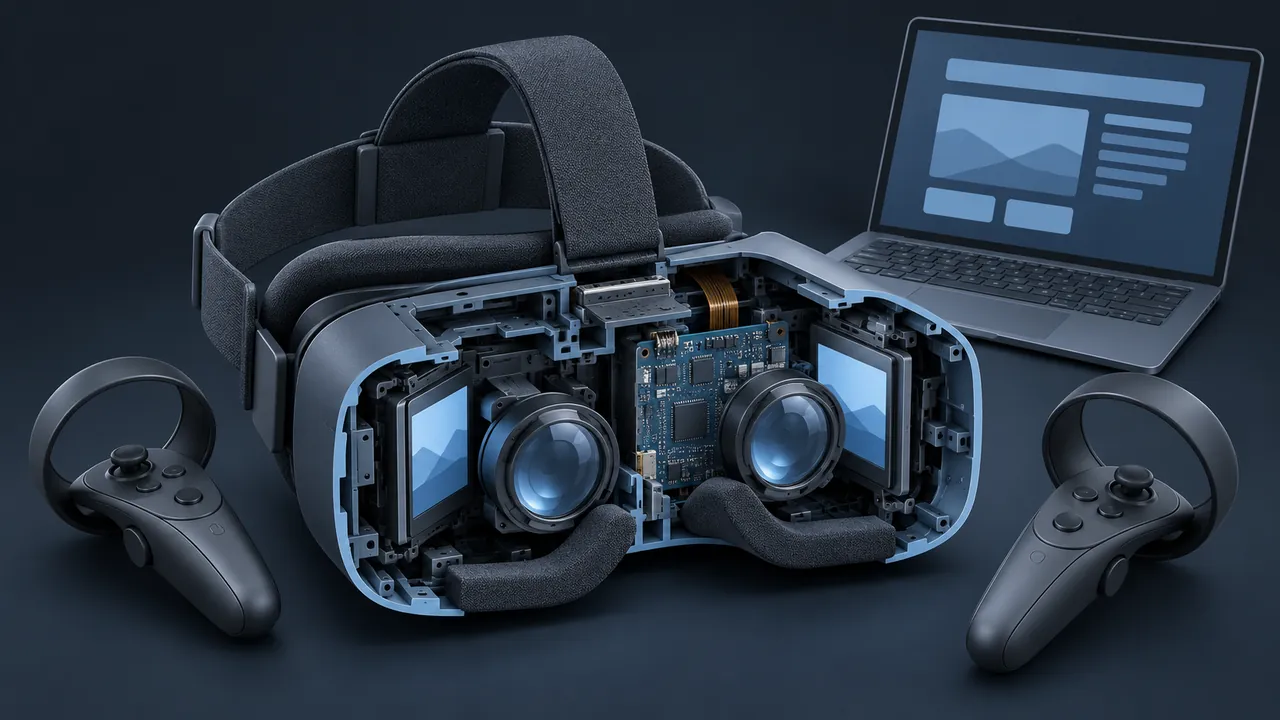
You have a training need, a budget and two very different ways to spend it. One option is a well-built online course that every employee can open on a laptop this afternoon, while the other is a headset experience that people discuss for weeks. Both have champions in your organization, and both have critics. When you weigh VR training vs eLearning, which one actually does the job?
eLearning does the job for knowledge, procedures on screens, decisions and wide reach at low cost per learner, while VR training does the job for spatial, physical and high-risk skills where being inside the situation changes how people learn. eLearning is cheaper to build, faster to update and can reach everyone at once. VR costs more per learner and requires hardware, but it gives learners presence, scale and hands-on practice that a screen can't match. Neither one is the better format overall, because the skill you need to build should determine the choice, and many programs use both.
VR Training vs eLearning at a Glance
Here is the quick comparison, limited to the factors that usually decide real projects.
| Factor | eLearning | VR training |
|---|---|---|
| Best skills | Knowledge, software, decisions, policy | Spatial tasks, physical procedures, emergencies |
| Reach | Anyone with a browser | People with access to a headset |
| Build effort | Low to medium | Medium to very high |
| Update effort | Usually quick | Often slow and specialized |
| Learning management system (LMS) tracking | Standard and simple | Possible, but takes more setup |
| Session length | Flexible, can be split into small pieces | Best kept short, often 10 to 20 minutes |
| Accessibility | Well understood with established guidelines | Harder; always plan an alternative path |
What Does Each Format Do Best?
eLearning performs best when the skill to be learned fits on a screen, which is why software tasks, policies, product knowledge, compliance topics and scenario-based decisions all work comfortably there. A branching scenario about a difficult customer call can be every bit as engaging as a headset, because the challenge is in the choices, not the space.
VR performs best when space and the body are part of the skill. Where do you stand when the load swings? How do you reach the shutoff behind the motor? What does the room look like when smoke fills the top half? Learners answer those questions with their heads, hands and feet rather than with a mouse. The Wikipedia overview of virtual reality notes how long training has been one of VR's main uses, from flight and military simulation onward. That history offers a useful clue, because VR has always been strongest where real practice is dangerous or expensive.
A simple test I use is to imagine teaching the skill with your eyes closed while someone describes the scene. If that would work well, eLearning is probably sufficient, but if the learner would be lost without looking around and moving, you're in VR territory.
How Do the Costs Compare?
VR costs more per learner at every scale in most realistic models, and the gap narrows as headcount grows. The chart below uses example inputs to illustrate the pattern. In this example, the eLearning course costs $25,000 to build plus $2 per learner for hosting and administration, while the VR scenario costs $90,000 to build plus $10,000 for a headset kit and $20 per learner to run sessions.
Number of learners trained; build and fixed costs spread across them, plus running cost each
- eLearning
- VR training
Model: eLearning $25,000 build + $2 per learner; VR $90,000 build + $10,000 hardware + $20 per learner. Example inputs only, not quotes.
View the data
| eLearning | VR training | |
|---|---|---|
| 100 learners | $252 | $1,020 |
| 250 learners | $102 | $420 |
| 500 learners | $52 | $220 |
| 1,000 learners | $27 | $120 |
| 2,500 learners | $12 | $60 |
| 5,000 learners | $7 | $40 |
So why would anyone choose the more expensive option? The answer is that cost per learner is only half the equation. If VR prevents one serious injury, avoids one damaged piece of equipment or cuts days off how long it takes new hires to work safely on their own, the extra cost can look small. The right question is not which format is cheaper but which format changes the behavior you need at a cost the outcome justifies.
What About Reach, Logistics and Updates?
This is where eLearning quietly wins most arguments, since a course link can reach 10,000 people across three time zones in an afternoon. A VR program has to get headsets onto heads, which means shipping kits, charging them, updating them and scheduling people to use them.
Updates follow the same pattern. Changing a sentence in an online course takes minutes, while changing a procedure step in a VR scenario may require editing 3D content, re-testing interactions and distributing a new build to every device. If your content changes often, that difference matters every month.
VR does have one logistics advantage: it can replace travel. If the alternative is flying people to a training center to practice on a mock-up, a headset kit that ships to the site can save real money and time.
The hardware gap is also shrinking in some cases, because browser-based VR lets a learner open an experience from a link with no app store or installation step. If that appeals, it's worth learning how WebXR training works and where it still has limits.
How Do Learners Experience Each Format?
Learners tend to love VR the first time and judge it more critically after that. The novelty is genuine, since strapping on a headset and standing inside a power station is memorable, and people talk about it afterward. But novelty fades, and by the third session learners care about the same things they care about in any course: is this useful, is it clear and is it a good use of my time?
Comfort is the other major difference. Some people experience motion sickness in VR, especially when the scene moves them around instead of letting them walk or teleport, and others find the headset heavy, warm or awkward with glasses. Short sessions, seated options and simple movement controls help considerably. eLearning has its own comfort problems, mostly screen fatigue and boredom, but they are easier to fix with tighter content and better pacing.
Accessibility needs attention in both formats. Online courses have mature guidelines for captions, keyboard access and screen readers, whereas VR has fewer established practices, and some learners can't use a headset at all because of vision, balance or mobility differences. Whatever you build in VR, plan an equivalent path on a screen so nobody is shut out of required training.
Measuring What Each One Changes
Judge both formats by the same standard: what people do differently on the job. Completion rates and satisfaction surveys will flatter VR because it's new and enjoyable, so look instead at field observations, error rates, time to independent work and near-miss reports. If the headset group performs better on the tasks that matter, the extra cost has a case. If both groups perform the same, the cheaper format wins.
Can You Combine VR and eLearning?
Yes, and the strongest programs usually do, because each format compensates for the other's weaknesses.
- Use eLearning for the foundation: concepts, rules, terms and a first pass at the procedure.
- Use VR for the rehearsal: the parts of the procedure that depend on space, posture or pressure.
- Use eLearning again for reinforcement: short refreshers, quick knowledge checks and reminders spaced over the following weeks.
- Use supervised hands-on practice for final sign-off where the job or regulation requires it.
This blend keeps headset time short and focused, which helps with scheduling and comfort. It also means the expensive VR content only has to cover a narrow portion of the skill, which keeps the development effort smaller.
A Quick Checklist for Choosing
Run your training need through these questions, and if most answers point in one direction, you have your format.
- Is the skill spatial or physical? Leans VR.
- Is the real-world practice dangerous, rare or expensive? Leans VR.
- Do thousands of people need it quickly? Leans eLearning.
- Will the content change more than once or twice a year? Leans eLearning.
- Are learners spread across many small locations? Leans eLearning, unless travel is the alternative.
- Does success depend on judgment and conversation more than movement? Leans eLearning.
Choosing the Format That Fits the Skill
The VR training vs eLearning debate gets easier once you stop asking which format is better and start asking what the skill needs. Screens handle knowledge, software and decisions efficiently and at scale, while headsets handle space, physical movement and danger in a way screens can't.
Start with your learners' hardest moment on the job. If it happens on a screen or in a conversation, build eLearning and spend the savings on great writing. If it happens on a ladder, in a tank or next to a running machine, give VR a serious look, and pair it with eLearning so each format does what it does best.