Can VR Training Run in a Web Browser? – WebXR Explained
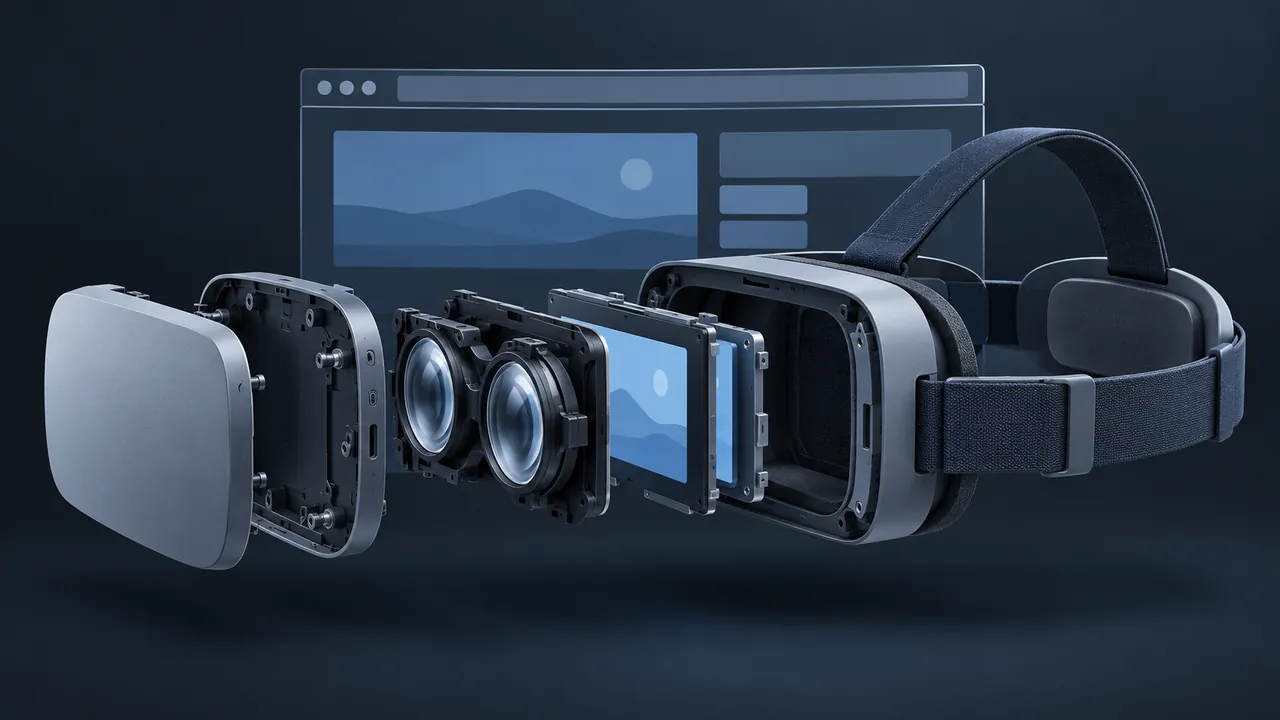
Building VR training is often the easy part, while deployment is where projects stall. The content is ready, but getting it onto headsets means app stores, device management, sideloading and an IT ticket that never seems to close. What if the learner could just tap a link? Can VR training run in a web browser, and is WebXR training ready for real courses?
Yes, VR training can run in a web browser using WebXR, a web standard that lets a page talk to VR and augmented reality hardware directly. A learner opens a link in a supported browser, taps a button to enter VR and the experience fills the headset, with no app to install. The same page can also run on a laptop or phone in a flat, non-immersive mode, so one build reaches more people. WebXR training works best for lighter, focused scenarios, while very large, graphics-heavy simulations still tend to run better as native applications.
What Is WebXR, in Plain Terms?
WebXR is the browser's doorway to immersive hardware, formally known as the WebXR Device API, a specification developed through the W3C. It gives web pages a standard way to find out what headset or device is connected, track where the learner's head and hands are and draw 3D scenes into the headset's displays.
Start with a normal training web page that has a 3D scene in it. On a laptop, the learner drags to look around. In a headset browser, a button appears that says something like "Enter VR." Press it and the page steps out of its flat frame and wraps around you. The MDN guide to the WebXR Device API is the clearest technical reference if your developers want the details.
The API supports a few session types, and the names tell you what they do:
- Inline: the 3D content stays inside the web page, like an embedded video.
- Immersive VR: the content takes over the headset and replaces the real world.
- Immersive AR: the content is drawn on top of the real world, on devices that support it.
Why Would You Choose WebXR Training Over a Native App?
The biggest reason is distribution. A native VR app has to be installed on every headset, usually through a store or a device management system, whereas a WebXR experience is simply a URL. You can put it in an email, a learning management system (LMS) course or a QR code taped to the wall of the training room.
Other advantages follow from that:
- Updates are instant. Fix a step on the server and everyone gets the fix the next time they load the page.
- One build, many screens. The same experience can fall back to a laptop or tablet for learners without headsets.
- Lower friction for pilots. You can test with a small group without packaging and deploying an app.
- Familiar web skills. Teams that already build HTML-based eLearning can extend into 3D with libraries like three.js rather than learning a full game engine first.
That last point matters for training teams, because many eLearning developers already know JavaScript, and WebXR lets them expand into immersive work one step at a time.
What Are the Limits of Browser-Based VR?
The browser is a shared, cautious environment, and that comes with trade-offs, so understanding them up front prevents painful surprises late in a project.
| Limit | What it means for training | Common workaround |
|---|---|---|
| Download size | Large models and textures make learners wait on every visit | Compress assets and load scenes in stages |
| Performance | Heavy scenes can stutter, which causes discomfort | Simplify geometry and lighting; test on the weakest target device |
| Browser support | Not every browser or phone supports immersive modes | Offer a flat 3D fallback and test real learner devices |
| Security rules | Pages must be served over HTTPS and entering VR needs a user tap | Host on a secure server and design a clear start button |
| Offline use | Weak or no connection at remote sites | Cache assets ahead of time or use a native app for those sites |
Support changes over time, so check a current source rather than trusting an old blog post. Test on the exact headsets and phones your learners will use, in the network conditions they will experience, because a demo that flies on office Wi-Fi can crawl on a site connection.
What Do You Need to Build a WebXR Training Scenario?
You need less than most people expect, since a small team can get a working prototype running with tools that are free or already on their machines.
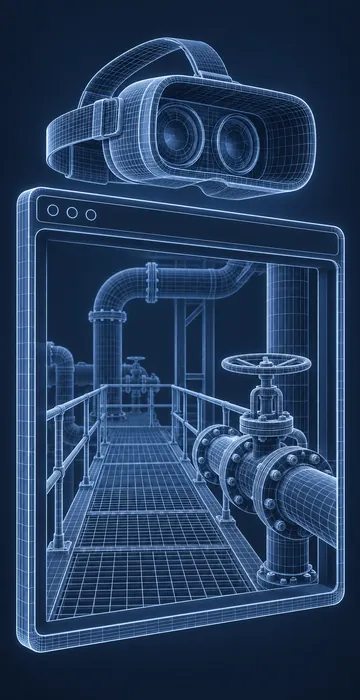
- A 3D library or framework. three.js, Babylon.js and A-Frame are common choices, each with WebXR support and plenty of examples.
- Optimized 3D models, usually in the glTF format, which is built for fast loading on the web.
- A secure web host, since immersive sessions only work on pages served over HTTPS.
- At least one target headset and one phone or laptop for testing the fallback.
- Someone who can write JavaScript comfortably. Interaction logic, scoring and reporting all live in code.
The skill gap is usually in 3D, not in the web side. Modeling, texturing and keeping scenes light enough to run smoothly is its own craft. If your team is strong in HTML courses but new to 3D, consider buying or commissioning the models and building the interactions yourselves. That split keeps the expensive specialist work small and puts the training logic in the hands of people who understand the learners.
How Does WebXR Training Fit With an LMS?
It can fit, but it requires some planning, because many LMSs launch courses inside a frame on their own page. Browsers treat immersive access as a sensitive permission, and content inside a frame may need that permission granted explicitly by the parent page. Some LMSs allow this and some don't, so test the launch path early.
Tracking is the second consideration. A WebXR scene is still a web page, so it can report results like any other HTML course. You can wrap it in a standard package that reports completion and score, or send detailed activity statements to a learning record store. The practical pattern I like is to keep the LMS launch page simple and have it open the immersive experience, which reports results back when the learner finishes.
One more tip: headset browsers are poor places to log in to an LMS, because typing passwords with controllers is miserable. Consider short links, QR codes or a session code that connects the headset activity to the learner's record.
What Kinds of Training Suit WebXR Best?
Focused scenarios with modest graphics are the ideal match, and good examples include:
- Equipment walkarounds where learners identify parts and controls.
- Short procedure rehearsals with five to fifteen steps.
- Hazard spotting in a single room or work area.
- Virtual site orientations before someone's first visit.
- Product demonstrations for sales or service teams.
Poorer fits are large, open environments with detailed lighting, long multi-hour simulations and anything that must work with no connection at all. Those often justify a native app built in a game engine.
WebXR also pairs well with equipment models that come from engineering data. If your organization is building a virtual copy of real assets, look at how digital twin training uses that data, because a browser can be a very convenient window into it.
A Link Away From the Headset
Browser-based VR works, and for many focused training scenarios it's the easiest way to get immersive practice in front of learners. WebXR training trades some graphic power for reach, instant updates and a much simpler rollout.
If you're curious, start with a pilot: one short scenario, built with a web 3D library, tested on the real devices your learners carry. If it loads fast, runs smoothly and reports results where you need them, you may never need an app store at all.