Can eLearning Work Offline? – Training for Field Crews
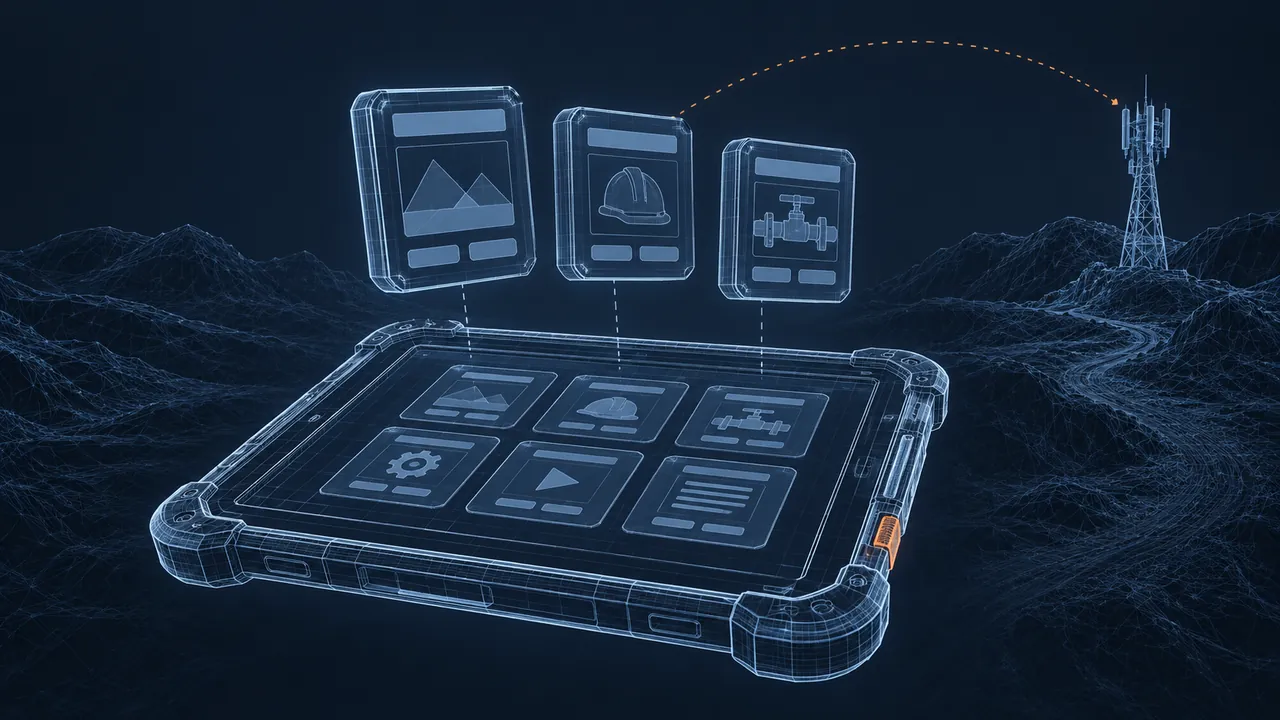
Your crews work at remote sites, in plant basements and on long drives between jobs, where the signal drops to nothing for hours. Meanwhile, the compliance calendar says everyone needs their refresher by the end of the month, and the course lives on a learning management system (LMS) that assumes a steady connection. Offline eLearning sounds like the answer, but you've heard horror stories about lost completions. Can eLearning work offline for field crews at all?
Yes, eLearning can work offline, but only if you choose a delivery method built for it and plan how completion data gets back to the LMS. The common options are LMS mobile apps that download courses and sync results later, courses tracked with the Experience API (xAPI) that store records until a connection returns, and simple downloadable formats like video and PDF job aids for reference. Standard SCORM (Sharable Content Object Reference Model) courses launched in a browser usually need a live connection the whole time, so they are the riskiest choice for crews who lose signal. Pick the method first, then design and test the course around it.
How Does Offline eLearning Actually Work?
Offline eLearning works by putting the course files on the device ahead of time and holding the learner's progress locally until the device reconnects. The learner downloads the course while on Wi-Fi at the yard or at home, then completes it later on a tablet or phone with no signal, and when the device detects a network again, it sends the results to the LMS.
The weak point is that second half. The course itself is just files, and files play fine offline, but the tracking is what breaks. A SCORM package expects to communicate with the LMS through a browser connection while it runs, so if that connection drops, the score or completion can disappear.
The xAPI standard was designed with this problem in mind. It records learning as simple statements ("Jordan completed Confined Space Refresher") that can be saved on the device and sent to a Learning Record Store (LRS) later. That makes it a better fit for disconnected work, if your LMS supports it.
Which Offline Options Fit Field Crews?
The right option depends on what you must track and which devices your crews already carry, and here's how the main choices compare:
| Option | Tracks completions? | Best for | Watch out for |
|---|---|---|---|
| LMS mobile app with offline mode | Yes, syncs later | Required compliance courses | Not every course type is supported offline; check with your vendor |
| xAPI course with local storage | Yes, sends statements later | Custom courses and detailed tracking | Needs an LRS and some technical setup |
| Standard SCORM in a browser | Only while connected | Crews with reliable signal | Lost progress when signal drops |
| Downloaded video or PDF job aids | No | Reference and refreshers on the job | You need another way to record completion |
| Shared kiosk or laptop at the yard | Yes, while on the network | Crews who report to a base each week | Scheduling, and one device per many people |
Most field programs end up with a combination of methods. Required courses go through the LMS app, while quick reference material lives on the device as video and job aids that work anywhere.
What Happens to Completions When the Device Is Offline?
When the device is offline, completions wait on the device until it reconnects, if the method supports local storage. That waiting period is where things go wrong, so plan for it.
Three rules keep data from disappearing:
- Tell learners to open the LMS app on Wi-Fi after finishing, and make it part of the course's last screen.
- Avoid uninstalling the app or clearing its data until sync completes. Put this in the crew briefing, because device resets happen.
- Give supervisors a simple way to see who is still unsynced, so a missing record is caught in days, not at audit time.
For auditable compliance training, keep a backup. A signed roster or a quick supervisor sign-off for anyone whose sync fails costs very little and closes the gap in the records.
Design Rules for a Tablet in a Truck
Design offline courses to be small, short and easy to operate with gloves on. A course that downloads in 30 seconds on yard Wi-Fi gets downloaded, while one that needs 20 minutes does not.

- Keep file sizes down. Compress video and avoid long, high-resolution clips.
- Break content into short modules of 5 to 15 minutes, so a crew member can finish one during a break.
- Use large buttons and simple taps. Skip tiny drag-and-drop targets.
- Add captions and on-screen text so the course works in noisy places and without headphones.
- Remove anything that calls the internet: embedded web videos, live links and external fonts.
- Design for bright sunlight with strong contrast.
The broader field of mobile learning offers plenty of design patterns, but the offline part adds one more test: if a screen depends on the network in any way, it will eventually fail at the worst moment.
Who Owns the Devices and the Downloads?
Decide early who supplies the devices, who installs the app and who pushes course updates. These questions sound like IT housekeeping, but they decide whether the program runs smoothly or stalls in week two.
Company-issued tablets are the simplest case, because IT can install the LMS app, sign crews in and push updates during a weekly yard day. Personal phones are more difficult, since some crew members won't want a work application on their own device, and storage space is often limited. If you go that route, keep the course small and make the personal-device option voluntary, with a shared yard device as the fallback.
Updates require a plan as well, because when a procedure changes, the old version may sit on a tablet for weeks. Add a version date to the course's first screen and ask supervisors to confirm crews have the current one.
Test Offline eLearning Where It Will Be Used
Test offline eLearning in airplane mode and in the field, not just at your desk. Office testing hides almost every offline problem, because your laptop is always connected.
A short test plan for every module:
- Download the course on Wi-Fi, switch to airplane mode, and complete it start to finish.
- Close the app halfway through and reopen it, still offline. Does it remember your place?
- Reconnect and confirm the completion and score appear in the LMS.
- Repeat on the oldest device your crews actually use.
- Hand it to two or three crew members at a real site and watch.
Build the field pilot into the project plan as its own milestone. Good eLearning project management treats it like any other review gate, with time to fix what the pilot finds before the full rollout.
Offline eLearning Works When You Plan for the Sync
Offline eLearning is not a gamble if you pick a delivery method built for disconnected work, design small and simple modules, and test the sync before rollout. The course files are the easy part. Getting the completion back to the LMS is where planning pays off.
Start by asking your LMS vendor exactly what their mobile app supports offline. Then build one short pilot module, run it through the airplane-mode test and put it in the hands of a real crew, because what you learn in that first week will shape everything else.